How a Computer Data Transfer Service Simplifies Your PC-to-PC Move
Moving files to a new computer can feel overwhelming, but a professional computer data transfer service takes the guesswork out of the process. Whether you are upgrading to a faster machine or replacing a failed PC, knowing what a technician does during a migration helps you make a confident decision.
What Does a Professional Computer Data Transfer Actually Cover?
A professional data transfer moves more than just a few files. Technicians typically handle documents, photos, videos, music, desktop settings, browser bookmarks, email profiles, and installed program data. The goal is to make your new computer feel familiar the moment you sit down at it.
A thorough migration can include:
- Personal files such as documents, photos, and videos.
- Email accounts and local email data.
- Browser bookmarks and saved passwords.
- Desktop layout, wallpaper, and basic system preferences.
- Application data and user profiles for installed software.
Licensed software often requires a fresh installation on the new machine. A technician can walk you through which programs transfer automatically and which ones need to be reinstalled.
How Is Data Transfer Different from Data Recovery?
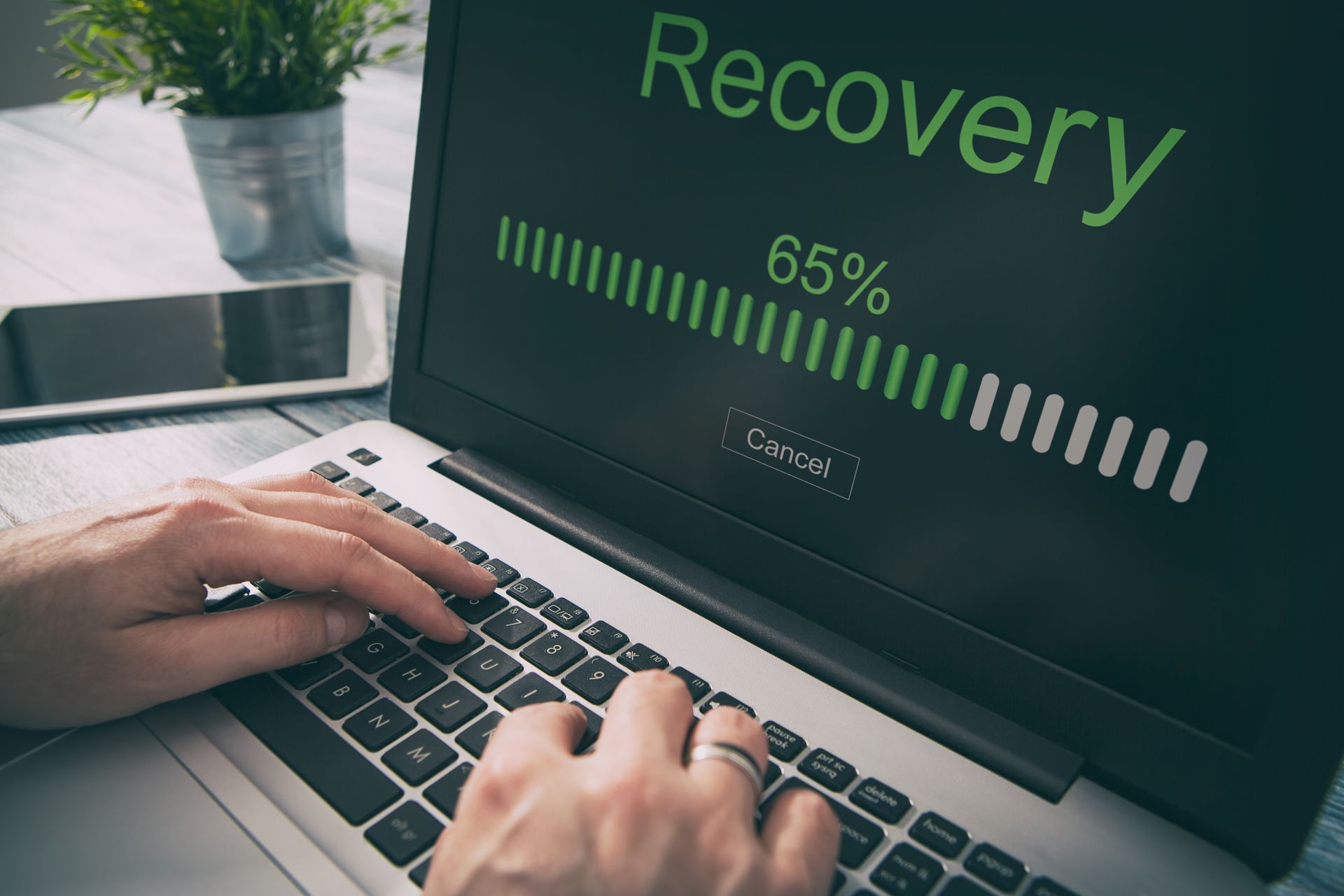
Data transfer moves healthy files from one working computer to another, while data recovery attempts to retrieve files from a damaged or failed drive.
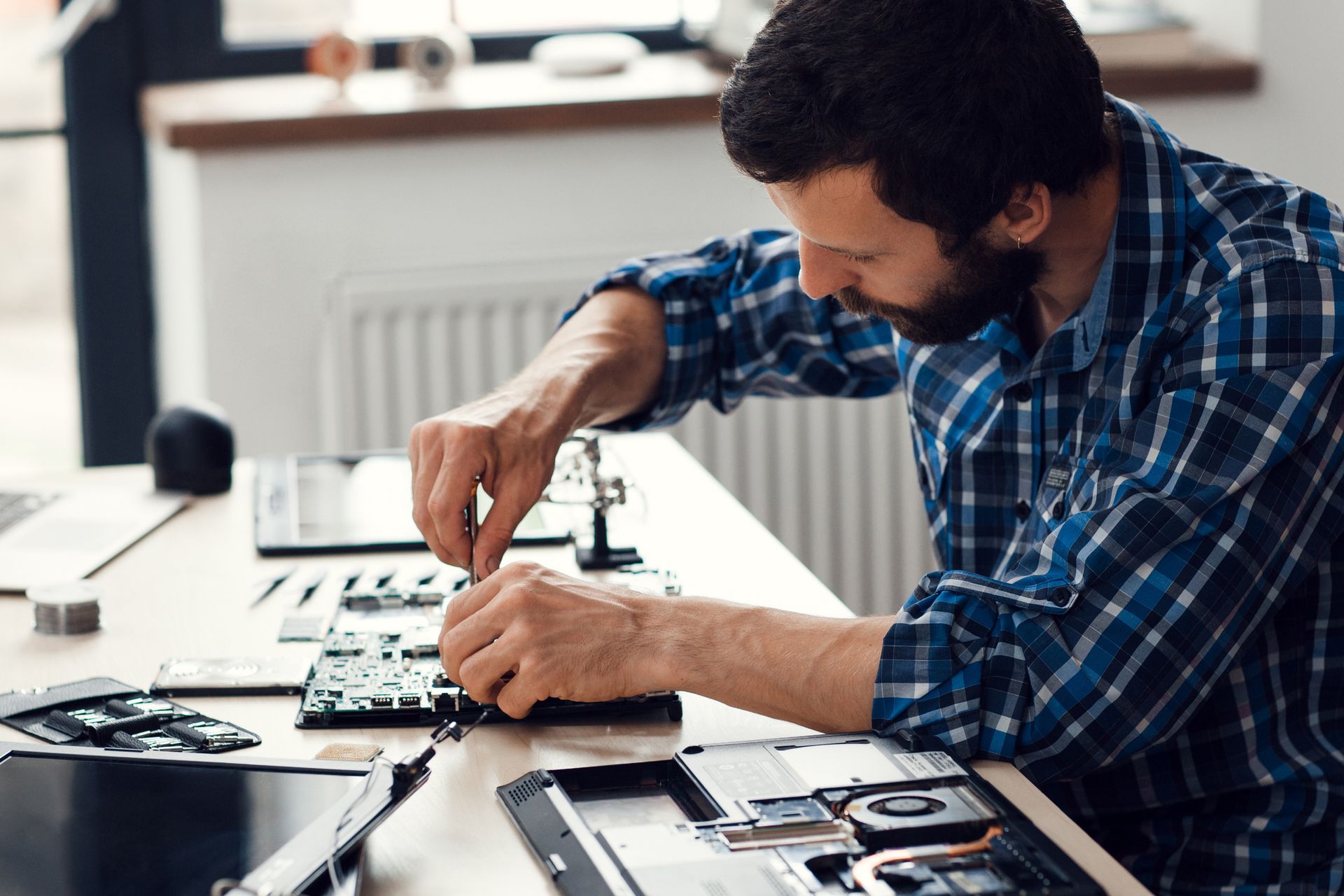
If your old computer is running normally, a data transfer is usually quick. However, if the drive is making clicking sounds, running extremely slowly, or failing to boot, the hardware may be compromised. A technician needs to assess the drive before attempting any migration to avoid permanent data loss.
What Happens If My Drive Is Failing Before the Transfer?
A failing drive requires careful handling. Technicians can often create a sector-by-sector image to capture as much data as possible before the hardware gets worse. Continued use of a failing drive makes recovery much harder. If you notice unusual sounds or frequent errors on your old PC in Banner Elk, NC, stop using it and bring it in promptly.
How Long Does a PC-to-PC Data Transfer Typically Take?
Turnaround time depends on how much data needs to move and the condition of both machines. A typical residential transfer with a healthy drive may take a few hours to a full business day. Larger file libraries or slower older hardware can extend that window. Ask your technician upfront about the expected timeline so you can plan around any downtime.
Why Local Residents in Avery County Choose a Professional Service
Residents in Banner Elk, NC, and the wider Avery County area often turn to a local technician rather than attempting a DIY migration. Mountain communities here have limited access to big-box tech retailers, making a nearby, hands-on service especially valuable. A local pro can also advise on whether your new machine is suited for remote work, which is common for residents along the High Country corridor.
Scheduling a computer data transfer in Banner Elk, NC, also means someone local is accountable if something does not go as expected. That peace of mind is hard to put a price on.
Ready to Make Your PC Move Stress-Free?
Dougnet Computer Consulting serves Banner Elk, NC, and surrounding Avery County communities with dependable, hands-on computer data transfer support. Whether you are moving to a brand-new machine or rescuing files from an aging computer, the team can help make the transition smooth.
Contact us or visit
Dougnet Computer Consulting to request service today.